Internet connectivity detection is a common requirement in mobile. It applies to the following scenarios:
- Disable or enable the feature based on the network status, e.g., Youtube doesn’t display videos offline.
- Make reminders or constraints on operations, e.g., App Store asks permission when downloading by cellular data.
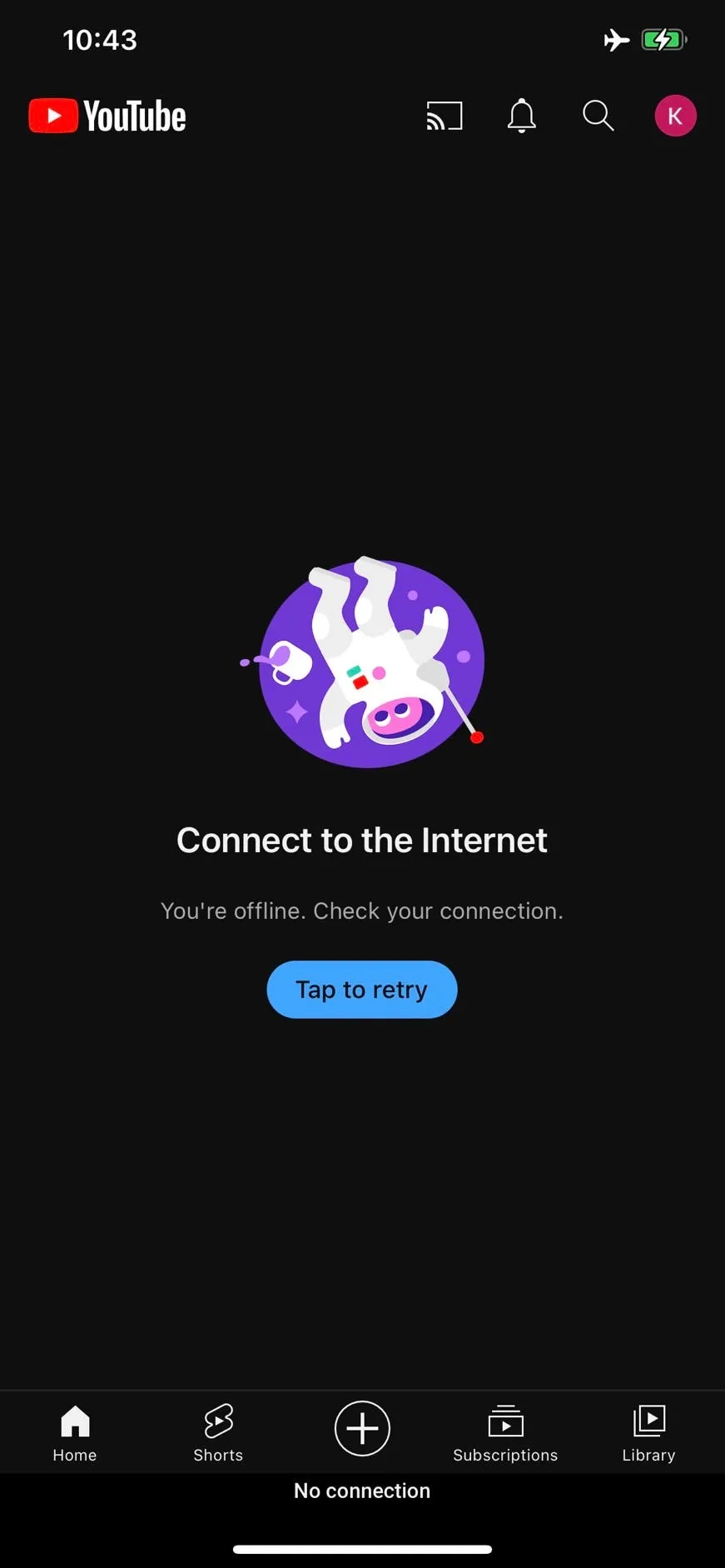
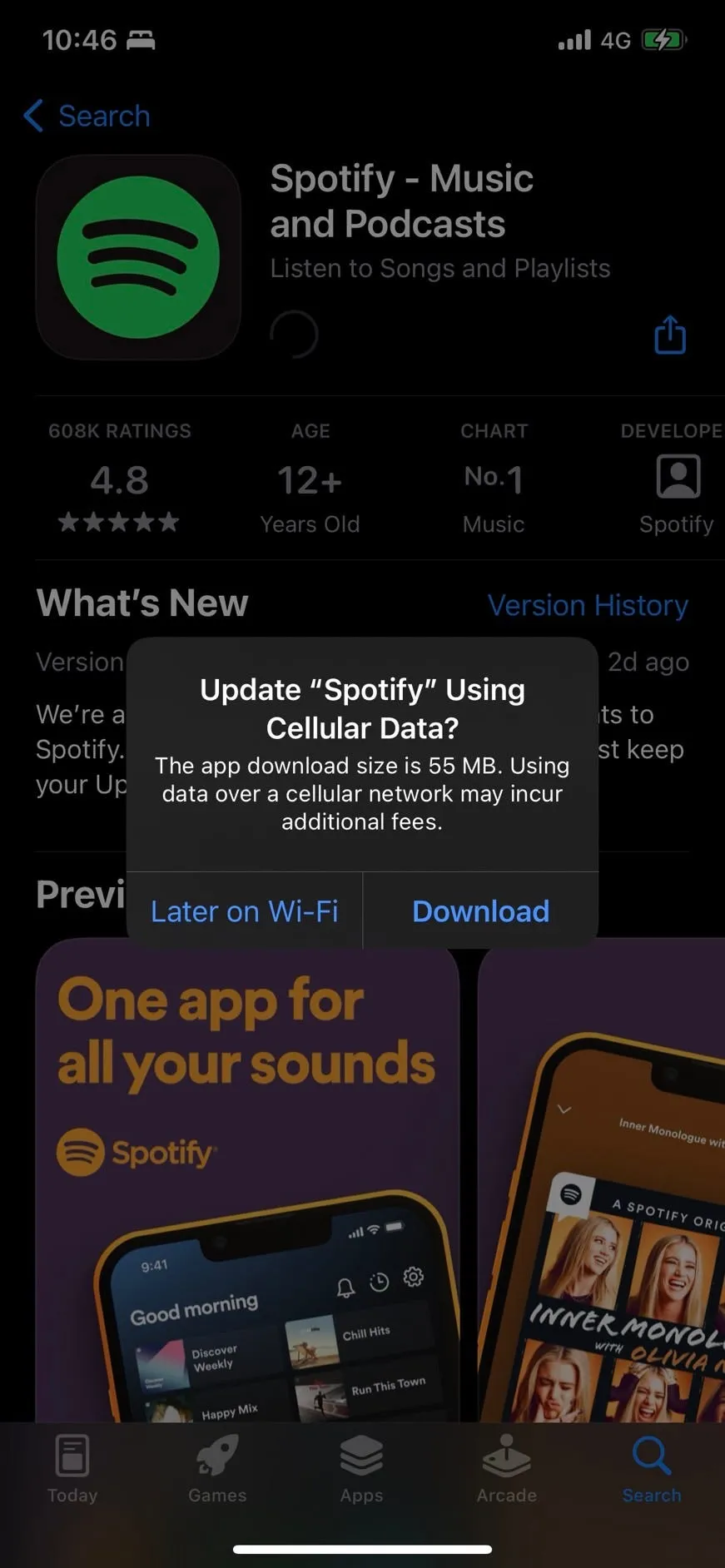
***Figure 1.*Scenarios for applying Internet connections.
Apple provides two ways to monitor network accessibility. You can choose based on the minimum version supported by your app.
- NWPathMonitor: iOS 12.0+, iPadOS 12.0+, macOS 10.14+
- SCNetworkReachability: iOS 2.0+, iPadOS 2.0+, macOS 10.3+
NWPathMonitor
The Network framework offers an API called NWPathMonitor to monitor the status of the internet connection. It has a more friendly interface than Apple’s older Reachability system.
To get started, import the Network framework:
import NetworkNext, create an instance of NWPathMonitor.
let monitor = NWPathMonitor()Then, assign a closure to the monitor that be triggered when the network accessibility changes:
monitor.pathUpdateHandler = { path in if path.status == .satisfied { print("Connection is reachable.") } else { print("No connection.") }}If you want to check the connection for a specific interface type, call NWPath.usesInterfaceType(_:) to check:
monitor.pathUpdateHandler = { path in if path.usesInterfaceType(NWInterface.InterfaceType.wifi) { print("Connect via Wi-Fi.") }}NWInterface.InterfaceType provides several interface types:
- wifi: Wi-Fi network
- cellular: cellular network, e.g., 3G, 4G, or 5G
- wiredEthernet: wired Ethernet networks, e.g., if you share your iPhone Internet to your Mac via USB
- loopback: local loopback networks
- other: virtual networks or unknown types
Call NWPathMonitor.start(queue:) to start monitoring and call NWPathMonitor.cancel() to cancel monitoring if needed.
Now we know how to use NWPathMonitor. Let’s make it better.
I write a NetworkStatus class that is an observable object. In this class, I create a property called interfaceType to save the current connection of the interface type. The interfaceType property is marked with @Published, so the subscriber will receive the latest status when the networking status changes.
import Foundationimport Network
extension NetworkStatus {    enum InterfaceType {        case unknown        case wifi        case cellular        case ethernet        case localhost    }}
class NetworkStatus: ObservableObject {    private let monitor = NWPathMonitor()    @Published private(set) var interfaceType: InterfaceType?
    init() {        monitor.pathUpdateHandler = { [weak self] path in            guard let self = self else { return }            DispatchQueue.main.async {                self.interfaceType = self.checkInterfaceType(path)            }        }    }
    func start(queue: DispatchQueue = DispatchQueue.global()) {        monitor.start(queue: queue)    }
    func cancel() {        monitor.cancel()    }
    private func checkInterfaceType(_ path: NWPath) -> InterfaceType {        if path.usesInterfaceType(.wifi) {            return .wifi        } else if path.usesInterfaceType(.cellular) {            return .cellular        } else if path.usesInterfaceType(.loopback) {            return .localhost        } else if path.usesInterfaceType(.wiredEthernet) {            return .ethernet        }        return .unknown    }}
I write the sample code using SwiftUI. Click here to see the entire code.
SCNetworkReachability
SCNetworkReachability is another solution, and its API interface is more complex and not intuitive. If your app supports a minimum version lower than iOS 12, you must choose this. You can refer to the code below or click here to see more sample code:
import Foundationimport SystemConfiguration
extension NetworkStatus {    enum InterfaceType {        case unknown        case wifi        case cellular    }}
class NetworkStatus {    static let shared = NetworkStatus()
    var isReachable: Bool { flags?.contains(.reachable) ?? false }    var isWWAN: Bool { flags?.contains(.isWWAN) ?? false }
    private let reachabilitySerialQueue = DispatchQueue(label: "reachability_queue")    private var flags: SCNetworkReachabilityFlags?    private var reachability: SCNetworkReachability?    private var isRunning = false    private(set) var status: InterfaceType = .unknown {        didSet {            NotificationCenter.default.post(name: .networkStatusChanged, object: self)        }    }
    private init() {        var zeroAddress = sockaddr()        zeroAddress.sa_len = UInt8(MemoryLayout<sockaddr>.size)        zeroAddress.sa_family = sa_family_t(AF_INET)
        guard let ref = SCNetworkReachabilityCreateWithAddress(nil, &zeroAddress) else { return }        reachability = ref    }
    func start() {        guard let reachability = reachability, !isRunning else { return }
        let callback: SCNetworkReachabilityCallBack = { (_, flags, info) in            guard let info = info else { return }            Unmanaged<NetworkStatus>.fromOpaque(info).takeUnretainedValue().setFlags(flags)        }
        var context = SCNetworkReachabilityContext(            version: 0,            info: Unmanaged<NetworkStatus>.passUnretained(self).toOpaque(),            retain: { (info: UnsafeRawPointer) -> UnsafeRawPointer in                let unmanagedReachability = Unmanaged<NetworkStatus>.fromOpaque(info)                _ = unmanagedReachability.retain()                return UnsafeRawPointer(unmanagedReachability.toOpaque())            },            release: { (info: UnsafeRawPointer) -> Void in                Unmanaged<NetworkStatus>.fromOpaque(info).release()            },            copyDescription: nil        )
        guard SCNetworkReachabilitySetCallback(reachability, callback, &context) else {            stop()            return        }
        guard SCNetworkReachabilitySetDispatchQueue(reachability, reachabilitySerialQueue) else {            stop()            return        }
        reachabilitySerialQueue.sync { [unowned self] in            guard let reachability = self.reachability else { return }
            var flags = SCNetworkReachabilityFlags()            if !SCNetworkReachabilityGetFlags(reachability, &flags) {                self.stop()                return            }
            self.setFlags(flags)        }
        isRunning = true    }
    func stop() {        defer { isRunning = false }        guard let reachability = reachability, isRunning else { return }
        SCNetworkReachabilitySetCallback(reachability, nil, nil)        SCNetworkReachabilitySetDispatchQueue(reachability, nil)        self.reachability = nil    }
    private func setFlags(_ flags: SCNetworkReachabilityFlags) {        self.flags = flags
        guard isReachable else {            status = .unknown            return        }
        #if targetEnvironment(simulator)            status = .wifi        #else            if isReachable && !isWWAN {                status = .wifi            } else if isWWAN {                status = .cellular            } else {                status = .unknown            }        #endif    }}
extension Notification.Name {    static let networkStatusChanged = Notification.Name("networkStatusChanged")}
Third-Party
The last solution is to use the third-party via the package management tool:
- tonymillion/Reachability: Written in Objective-C
- yashleymills/Reachability: Written in Swift
Summary
I recommend using NWPathMonitor first (Github). If your app supports iOS 12 below, you can choose SCNetworkReachability (Github) or third-party.
That’s it. Thanks for reading.